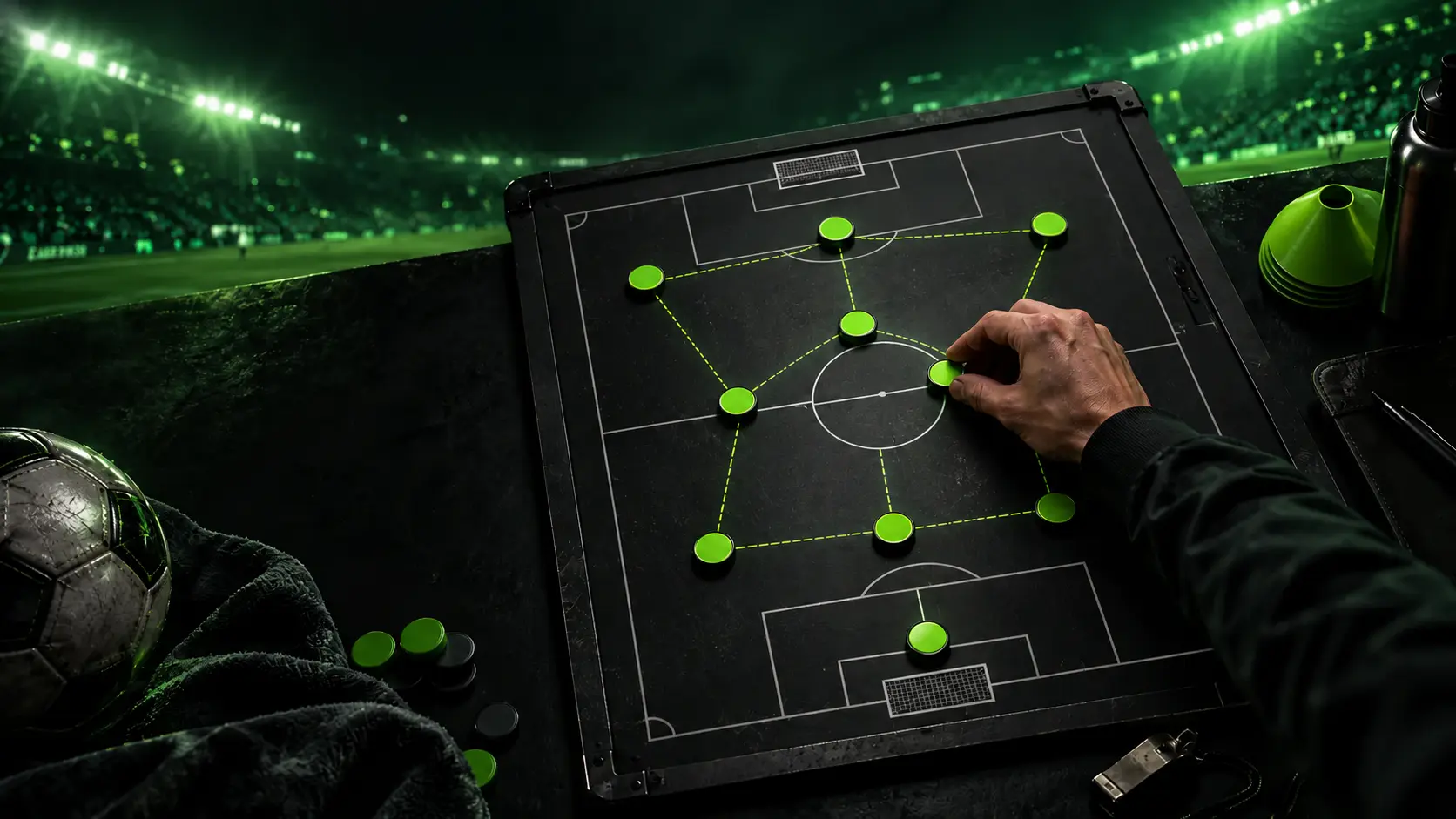
eFootball mobile vs PC comparison table
The exact visual quality and performance depend on the phone or PC, settings, display, and network connection.
| Area | Mobile | PC |
|---|---|---|
| Input | Touch controls; supported mobile options depend on the current game build | Controller or supported PC input |
| Graphics | Scales to mobile hardware and battery limits | Can target higher resolution and visual settings on capable hardware |
| Portability | Designed for play on phones and tablets | Requires a compatible PC setup |
| Cross-platform play | No current mobile-vs-PC matchmaking documented by Konami | Cross-platform play with supported console/PC platforms |
| Squad planning | Players, roles, skills, and tactics remain central | Players, roles, skills, and tactics remain central |
Are eFootball mobile and PC the same?
They share the same football-game brand and many Dream Team concepts, but the input, interface, rendering targets, and some platform-specific features differ. Konami’s update notes sometimes label additions specifically for console and PC, while other changes apply to mobile as well.
Your Dream Team decisions—card selection, positions, skills, and tactics—remain relevant on either platform, but you should not assume every command or mode arrives on both platforms at the same time.
Can mobile play against PC?
Based on Konami’s current cross-platform documentation, cross-platform matches are available among supported console and PC platforms. Mobile is not included in that current console/PC matchmaking description, so a mobile player should not expect to join a PC Friend Match.
Official reference: Konami v4.4.0 cross-platform notes.
Controls and match feel
Mobile is designed around a touch interface and a smaller screen. PC supports physical controls and a larger display, which can make precise direction changes and longer sessions feel more comfortable. Actual responsiveness still depends on frame rate, device performance, input hardware, and network quality.
Which version should you choose?
- Choose mobile when portability and quick access matter most.
- Choose PC when you prefer physical controls, a larger screen, and adjustable hardware performance.
- Choose the platform used by your friends if online play together is the priority.
- Check current platform-specific update notes before relying on one feature.
Turn Your Players Into an AI-Built Formation
Choose the eFootball 2027 cards you own. The AI Team Builder selects a balanced starting XI, assigns suitable positions, and explains how your squad can attack and defend.
- 1Select your playersChoose cards from the current player database.
- 2AI builds your formationYour strongest XI is assigned to suitable roles.
- 3Get tactical analysisReview attacking, defensive, and player-role advice.
✓ No account required✓ eFootball 2027 players✓ AI explanation included
 AI result previewFormation + tactical explanation
Frequently asked questions
Is eFootball mobile the same as PC?
They share the eFootball brand and many Dream Team systems, but controls, interface, presentation, hardware targets, and some features differ.
Can eFootball mobile play against PC?
Current Konami documentation describes cross-platform play for supported console and PC platforms, not mobile-to-PC matchmaking.
Is eFootball better on mobile or PC?
Mobile is better for portability; PC is generally better for physical controls and scalable presentation. The best choice depends on your hardware and priorities.
Do mobile and PC use the same player cards?
Both use Dream Team player-card concepts, but players should verify current platform notices and the exact card shown in their own game.